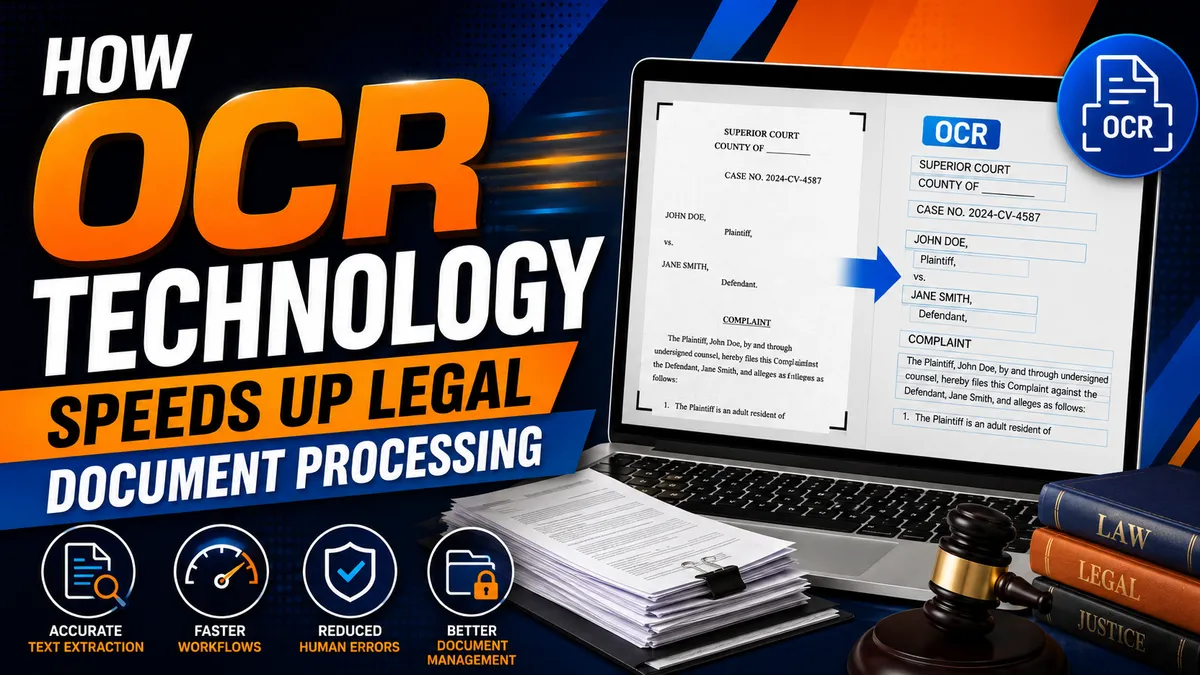
How OCR Technology Speeds Up Legal Document Processing
By Mighty Mike Reid
How OCR Technology Speeds Up Legal Document Processing
Introduction to OCR Technology in Legal Document Processing
The legal industry depends on speed, accuracy, and organization. Every day, law firms, courts, legal support professionals, and process servers handle large volumes of documents, including summonses, complaints, subpoenas, affidavits, court orders, service returns, contracts, and other case-related paperwork.
Traditionally, processing these documents required extensive manual data entry, physical filing, and time-consuming document searches. As legal practices continue to embrace digital transformation, OCR technology for legal documents has become one of the most valuable innovations for improving efficiency.
Optical Character Recognition (OCR) converts scanned documents, images, and PDF files into editable and searchable digital text. Rather than treating a scanned page as a simple image, OCR identifies letters, numbers, and formatting so software can recognize, search, copy, organize, and extract information automatically.
For law firms and process servers, OCR technology helps speed up legal document processing, reduce administrative workloads, improve document accuracy, and support more efficient legal document management.
What Is OCR Technology?
Optical Character Recognition (OCR) is a technology that converts printed or handwritten text from scanned documents, PDFs, or photographs into machine-readable text.
OCR software analyzes each page, recognizes characters, and transforms them into editable digital information that can be stored, searched, indexed, and integrated into legal software.
Modern OCR solutions frequently incorporate artificial intelligence (AI) and machine learning to improve recognition accuracy, even when documents contain handwritten notes, signatures, stamps, or complex legal formatting.
How Does OCR Technology Work?
The OCR process generally includes several steps:
Scanning or uploading a document
Detecting areas containing text
Recognizing characters and formatting
Converting the content into searchable digital text
Extracting important information for indexing or workflow automation
This process allows legal professionals to quickly digitize paper records and integrate them into existing case management systems.
Why OCR Matters in the Legal Industry
Legal professionals regularly process documents such as:
Court filings
Complaints
Summonses
Subpoenas
Affidavits
Service instructions
Contracts
Eviction notices
Deposition transcripts
Service of process documents
Discovery materials
Case files
Without OCR, much of the information must be entered manually into legal software, increasing the risk of delays and errors.
By using optical character recognition in law, firms can digitize documents more efficiently while improving consistency across their workflows.
Benefits of OCR for Legal Document Processing
Faster Data Entry
Manual data entry consumes valuable time.
Instead of typing information such as:
Case numbers
Plaintiff names
Defendant names
Court names
Filing dates
Service addresses
OCR automatically identifies and extracts this information within seconds.
This automation allows attorneys, legal assistants, and process servers to spend less time entering data and more time managing cases and serving clients.
Improved Accuracy
Manual typing increases the possibility of:
Incorrect case numbers
Misspelled names
Missing information
Wrong addresses
Duplicate records
OCR significantly reduces these errors by reading information directly from the original document.
Although every legal document should still receive human review, modern OCR accuracy in legal documents is exceptionally high for clear, high-quality files.
Searchable Legal Documents
Scanned documents are often stored as image files that cannot be searched.
OCR converts these files into searchable documents, allowing users to instantly locate:
Client names
Case numbers
Court names
Addresses
Filing dates
Keywords
This capability greatly improves legal document processing and document retrieval.
Better Case Organization
OCR automatically extracts key information that helps organize legal files, including:
Parties involved
Document type
Court information
Filing dates
Case numbers
This improves indexing and helps legal professionals locate records quickly.
Efficient Legal Document Management
One of the greatest advantages of OCR is creating a centralized digital document system.
Law firms and legal support organizations can:
Digitize historical files
Organize electronic records
Eliminate duplicate documents
Improve file accessibility
Reduce paper storage costs
Support remote collaboration
These improvements contribute to efficient legal document management while making information easier to locate and manage.
Automating Legal Document Workflows
OCR serves as the foundation for automating legal document workflows.
After information is extracted, integrated legal software can automatically:
Create new case files
Populate client records
Assign work to staff
Generate service requests
Prepare affidavits
Schedule reminders
Trigger notifications
Update case management systems
Automation reduces administrative bottlenecks while improving productivity throughout the organization.
OCR Integration in Legal Technology
Modern legal software increasingly includes OCR integration in legal tech platforms.
When OCR is connected to case management systems, document management software, and workflow automation tools, firms can eliminate repetitive tasks and maintain accurate records throughout the lifecycle of every case.
This seamless integration improves collaboration among attorneys, paralegals, process servers, and administrative staff.
OCR Benefits for Attorneys
Attorneys manage thousands of legal documents throughout active litigation.
Some of the most valuable OCR benefits for attorneys include:
Faster document review
Quick keyword searches
Improved client file organization
Reduced administrative work
Better preparation for hearings
Faster access to evidence
Improved collaboration with legal staff
These benefits allow attorneys to spend more time focusing on legal strategy rather than paperwork.
OCR for Process Servers
OCR for process servers provides numerous operational advantages.
Process servers routinely receive documents from:
Law firms
Attorneys
Collection agencies
Courts
Government agencies
Property management companies
OCR automatically extracts important information such as:
Recipient names
Service addresses
Case numbers
Court jurisdictions
Filing dates
Special service instructions
This allows process servers to prepare assignments more quickly while reducing manual document review.
OCR Solutions for Process Servers
Modern OCR solutions for process servers can also support:
Affidavit preparation
Digital document storage
Service record organization
Automatic indexing
Mobile document scanning
Integration with case management software
These tools help improve productivity while maintaining accurate documentation throughout the service process.
OCR for Court Documents
Courts continue digitizing records and electronic filings.
OCR for court documents enables legal professionals to search, retrieve, and organize court filings more efficiently while improving access to archived records.
This reduces the time required to locate important information during litigation.
OCR and Data Extraction
One of OCR's most valuable capabilities is intelligent OCR and data extraction.
Rather than simply recognizing text, modern OCR systems identify important fields such as:
Case numbers
Plaintiff names
Defendant names
Addresses
Filing dates
Court information
The extracted information can then populate legal databases automatically, reducing repetitive administrative work.
OCR and Legal Compliance
Proper recordkeeping is essential throughout the legal industry.
OCR and legal compliance work together by helping firms maintain organized, searchable digital records that are easier to archive, retrieve, and audit when necessary.
Digital records also simplify document retention policies and regulatory compliance.
OCR and Legal Document Security
Protecting sensitive client information is critical.
Modern OCR platforms support OCR and legal document security through features such as:
Encrypted storage
User access controls
Audit trails
Secure cloud environments
Permission-based document sharing
These safeguards help law firms protect confidential legal information while improving accessibility for authorized users.
Choosing OCR Software for Law Firms
When selecting OCR software for law firms, important features include:
High recognition accuracy
Batch document processing
Searchable PDF creation
AI-assisted data extraction
Integration with legal software
Cloud storage compatibility
Audit logging
Mobile scanning
Security controls
Workflow automation
The best OCR tools for the legal industry should integrate seamlessly with existing legal technology while supporting long-term scalability.
OCR Technology Advancements
Recent OCR technology advancements continue to improve legal document automation.
Artificial intelligence and machine learning now allow OCR systems to:
Recognize complex legal forms
Read handwritten notes more accurately
Classify legal documents automatically
Detect duplicate records
Improve extraction accuracy
Learn from previous corrections
These innovations continue making OCR more valuable across every area of legal practice.
Best Practices for Using OCR
To maximize OCR performance:
Scan documents using high resolution.
Ensure documents are clean and readable.
Review extracted information before filing.
Store digital files in organized folders.
Integrate OCR with legal management software.
Maintain strong cybersecurity practices.
Back up digital records regularly.
Following these best practices improves both accuracy and workflow efficiency.
The Future of OCR in Legal Services
As legal technology evolves, OCR will continue playing a central role in document automation.
Artificial intelligence will further improve document recognition, automated classification, and intelligent data extraction. Future OCR systems will become even more accurate at processing handwritten forms, historical records, complex court filings, and multi-page legal documents.
For process servers, attorneys, and legal support professionals, OCR will continue reducing manual workloads while supporting faster case preparation, improved client service, and more efficient operations.
Organizations that invest in OCR today will be better positioned to manage growing caseloads while maintaining high standards of accuracy, compliance, and productivity.
Conclusion
OCR technology has transformed modern legal operations by converting scanned documents into searchable, editable, and actionable digital information. From improving legal document processing to supporting automating legal document workflows, OCR enables legal professionals to reduce manual data entry, increase accuracy, organize records more effectively, and accelerate case management.
For attorneys, law firms, courts, and process servers, OCR is more than a convenience. It is an essential technology that supports productivity, compliance, document security, and better client service. As AI continues to enhance OCR capabilities, organizations that adopt these solutions will gain greater efficiency while preparing for the future of digital legal practice.
Stay sharp. Stay informed. Live Mighty!
Read the full article at www.mightyprocessserver.com
This article is published by Process Server Daily, powered by MightyAutomation.ai, the leader in legal support intelligence.